What is Locale Emulator?
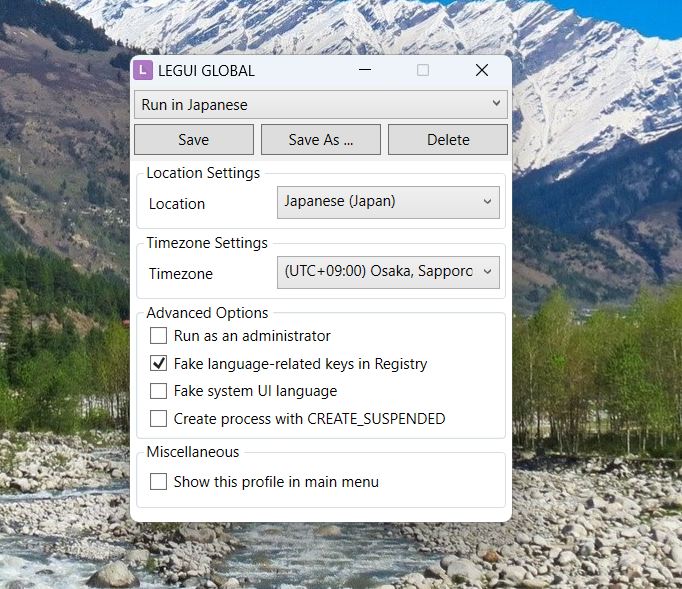
Locale Emulator is a free Windows tool that lets you run programs as if your computer were set to a different region or language, such as Japanese, Chinese, or Korean. This can help with games, visual novels, emulators, installers, and older software that may show broken text, fail to install, or crash under the wrong locale.
Instead of changing your system locale and restarting Windows, Locale Emulator applies the locale behavior to the specific app you launch through it. The rest of your computer keeps using its normal settings.
How do I install Locale Emulator?
Download the Locale Emulator release package, extract it, and follow the included installer or setup instructions. Many setups use an installer file such as LEInstaller.exe to add the shell integration.
Does Locale Emulator permanently change Windows settings?
No. Locale Emulator temporarily simulates a different locale only for the application you run through it. Your system-wide Windows region and language settings remain unchanged.
Which operating systems are supported?
Locale Emulator is designed for Windows. Compatibility can vary depending on the version, Windows updates, and security policies, so users should check the release notes for their exact Windows edition.
Can I uninstall Locale Emulator?
Yes. You can run the installer again and choose the uninstall option, or remove the files manually if you did not install the shell extension.